
How to Build a REST API with PHP in Under 30 Minutes

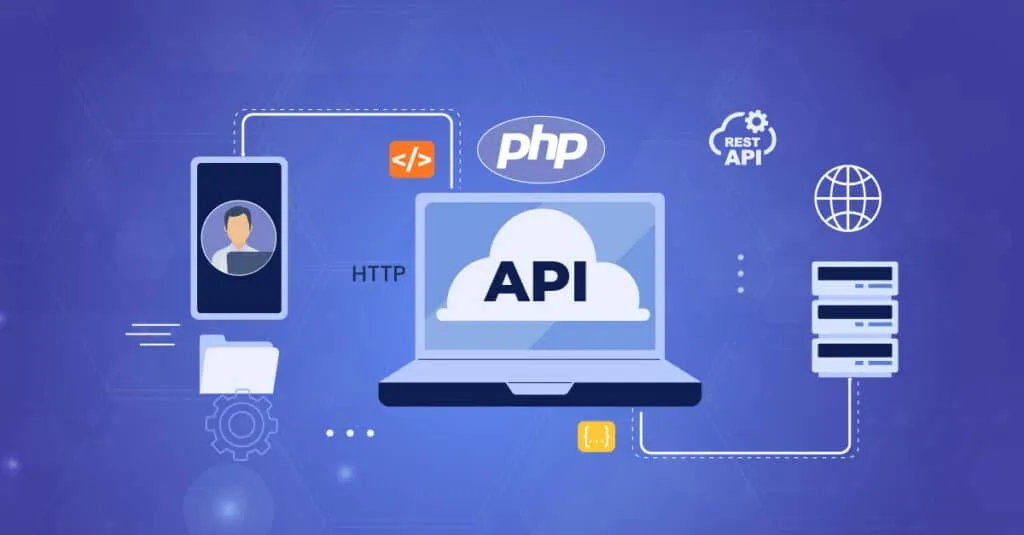
Creating a REST API with PHP can seem daunting, especially if you’re short on time. However, with the right approach, you can build a functional API in under 30 minutes. This guide will walk you through the process, providing you with the essential tools and knowledge to get started.
Understanding the Basics of REST API
Before diving into coding, it’s crucial to understand what a REST API is. REST, or Representational State Transfer, is a set of principles that define how web standards such as HTTP are used to create web services. A REST API allows different applications to communicate with each other over the internet.
Setting Up Your Development Environment
To build a REST API with PHP, you’ll need a development environment ready. Start by ensuring you have PHP and a web server like Apache or Nginx installed. If you don’t have these, consider using a package like XAMPP or MAMP for an easy setup.
- PHP: Make sure you have PHP 7 or higher.
- Composer: A dependency manager for PHP to streamline package management.
- Postman: A tool to test your API endpoints.
Creating the PHP Project Structure
Once your environment is set up, create a new directory for your project. Inside this directory, create the following structure:
- index.php: The entry point for your application.
- api/: A directory to contain all your API files.
- config/: A directory for configuration files.
Writing the PHP Code for Your REST API
Configuring the Database
Most APIs interact with a database. For this example, we’ll use MySQL. Create a database and table that your API will interact with. Then, create a file in the config/ directory to manage the database connection.
Creating Endpoints
In the api/ directory, create files for each endpoint of your API. For simplicity, let’s create a basic GET and POST endpoint. Use PHP’s PDO for database interactions to ensure security and efficiency.
// Example code for a GET endpoint
header('Content-Type: application/json');
require '../config/database.php';

$sql = "SELECT * FROM users";
$result = $db->query($sql);
$data = $result->fetchAll(PDO::FETCH_ASSOC);
echo json_encode($data);
Testing Your REST API
Once your API is set up, it’s essential to test it. Use Postman to send requests to your API endpoints. Check if your API properly handles different HTTP methods and returns the expected JSON responses.
Conclusion
Building a REST API with PHP is a skill that can enhance your web development projects significantly. By following the steps outlined in this guide, you can create a simple yet functional API in under 30 minutes. This process not only boosts your productivity but also equips you with valuable knowledge for more complex projects in the future.
For more hands-on guides and web development tips, visit our blog and explore a wealth of resources tailored for developers like you.